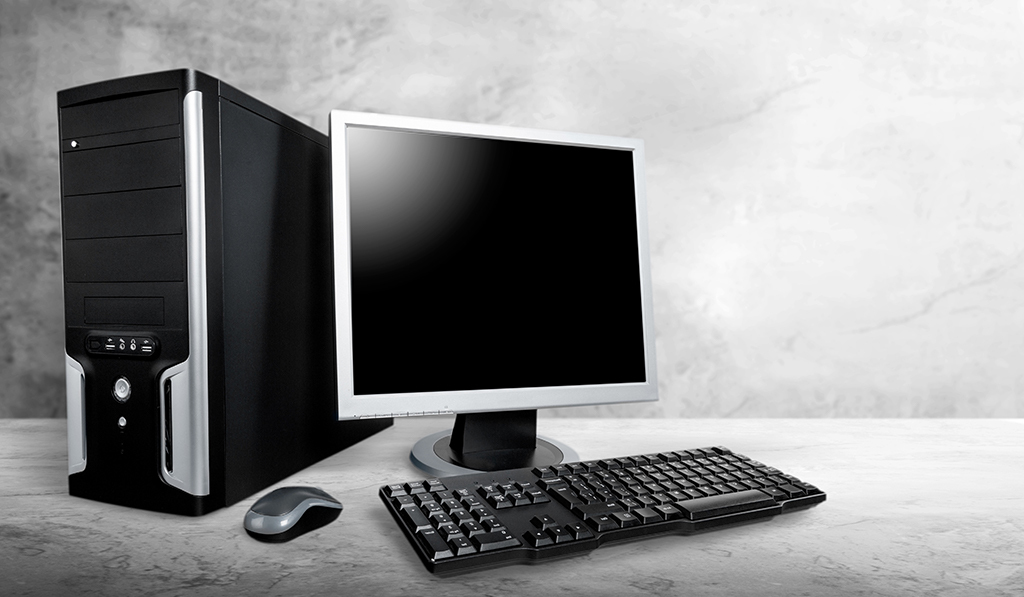
The personal computer is, without a shadow of a doubt, one of the most important and useful innovations that have ever been made. Computers make life easier to manage, and there is virtually nothing that can't be accomplished with the help of a computer. There have been a number of distinct mouse varieties developed over the course of human history, and the progression of this item has been intriguing to observe.
The four most common types of mouse devices are outlined below for your perusal in order to familiarize you with the progression of the product.
Mechanical Mouse
The rolling mouse was the initial form of mouse ever produced, and this gadget consisted of a metal and rubber ball that can spin in any direction. The freedom to move of the ball across the surface contributes to the smooth movement of the cursor on the screen. The most significant disadvantage of using a mechanic mouse is that it needs to be cleaned on a regular basis because it can accumulate dirt, which can make it difficult to control the movement of the cursor.
The Trackball Mouse
The trackball mouse is just a pointer device that consists of a ball that is held by a socket that contains sensors that monitor the movement of the ball. When moving the pointer, the user can either use their thumb or their palm to roll the ball. In contrast to the restrictions placed on movement by a standard mouse, a trackball mouse does not impose any such restrictions on its effective travel. For more precise movements, CAD workstations and radar consoles in air traffic control rooms sometimes use trackball mice.
The Optical Mouse
The optical mouse does not include a mouse ball in its design. The changes perceived by the optic light are used to detect movement rather than sensing the motions of the ball itself. LED optic sensors and digital signal processing are utilized in optical mice to achieve pointing accuracy. Because there is no possibility of a mechanical malfunction or of collected dirt, the optical light is an extra advantage. The default DPI for optical mice is 800, but this number can be increased — gaming mice can have up to 12,000 DPI.
The Wireless Mouse
The wireless mouse's capacity to allow communication without the usage of cords is largely responsible for its meteoric rise in popularity. The absence of cables allows for unrestricted mobility, and these mice are optical which means they have a heightened level of sensitivity. Infrared radiation and Bluetooth signals are utilized in the transmission of data by wireless mice, and a USB port is used to facilitate the connection of the mouse's receiver to the host computer.
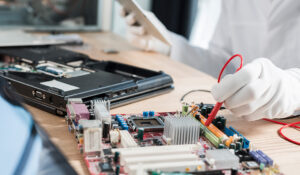
Every person that uses a computer also has a mouse, and just like any other electronic item, mice can get broken. If you are having problems with navigation, scrolling, or movement, you should probably go to a specialist who can fix these issues so that your work is not interrupted.
// Mouse or peripheral issues?
Poojan Enterprises provides expert computer peripheral repair and replacement services in Krishnanagar, Ahmedabad.
Get Help Today